Learn Figma, UX research and AI-powered design from scratch. Built for complete beginners across Pakistan and India who want a portfolio that gets interviews, not just another certificate.
YouTube is a great place to start, but it will not give you the order, feedback or real projects you need to grow. This course gives you a clear UI UX design learning path from start to finish.
What Mattersfor Your Growth | Free YouTube | This Course |
|---|---|---|
| Where you start | Whichever video the algorithm shows you | Lesson one of a planned path |
| What order you learn in | Random, decided by search results | Figma, then UX, then UI, then real projects |
| When you get stuck | You search again and hope | You message your mentor and get an answer |
| Who reviews your work | Nobody | Your instructor, on the files you submit |
| After three months | Scattered practice files | A mobile app and a website case study |
| AI tools | Whatever one creator happened to cover | Figma AI, ChatGPT and Claude inside real lessons |
| Design files | Rarely shared | Every Figma file, UI kit and template used |
| Proof for employers | None | Portfolio case studies and a certificate |
| Cost | Free | One payment |
Step-by-step curriculum so you never feel lost.
Personal guidance to fix your weak spots.
Build real projects that get you real opportunities.
Apply what you learn and move forward with clarity.
No. It will replace designers who refuse to use it.
AI did not take the UI UX designer’s job. It took the part that used to take three years to learn. The barrier that kept beginners out has collapsed, and the people walking through it right now are the ones who learned to direct AI instead of competing with it.
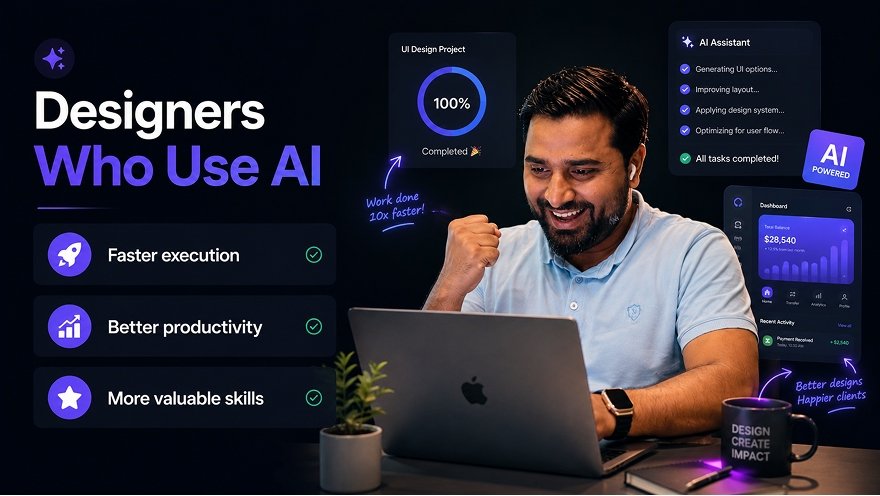
AI is genuinely good at this now
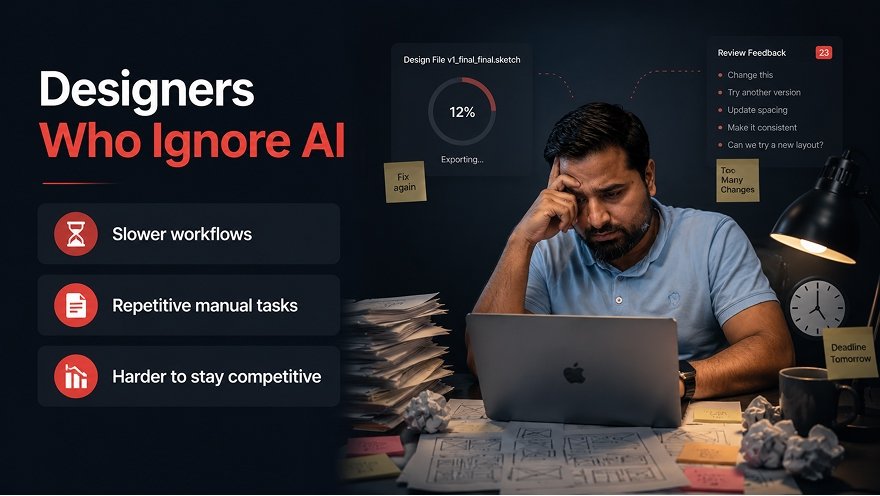
AI still cannot do this
Everything in the left column is a tool you can learn this month. Everything in the right column is judgment, and judgment is what this UI UX design course actually teaches.
AI removes repetitive tasks so you can focus on what actually matters and deliver more.
AI gives suggestions, insights and options that help you make stronger design decisions.
More time for creativity, experimentation and designing experiences people love.
Wherever you are coming from, the route to a hireable portfolio runs through the same lessons.
I am still studying and want UI UX skills that get me hired before I graduate, not after.
I want to move into UI UX design without spending a year figuring out where to start.
I want UI UX skills clients will actually pay international rates for.
I have a degree and no portfolio, and every job posting wants to see work.
I already design. I want to move from posters and posts into products people use.
I want a skill I can sell to clients in Pakistan, India and abroad from home.
I have never opened Figma and I want to start from absolute zero.
All seven of these students open the same first lesson. The difference is only how fast the early modules feel, not whether the path works.
Eight areas companies hire for, clients pay for, and AI has not taken over.
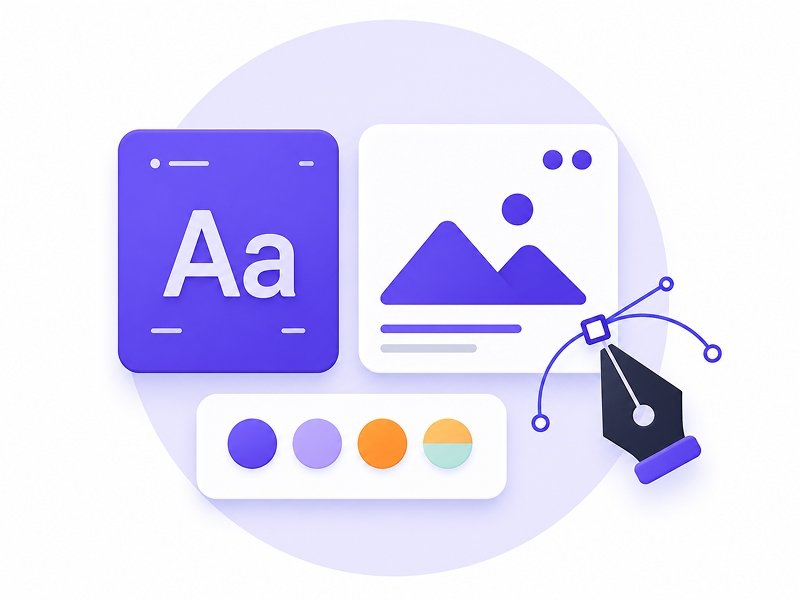
Design modern interfaces with real control over colour, typography, spacing and visual hierarchy.
Run user research, map user flows and design experiences you can justify to a client.

Turn a rough brief into a clear screen structure before any visual design begins.
Build reusable components and a scalable design system in Figma, the way product teams do.

Use Figma AI, ChatGPT, Claude and Gemini across research, copy, layout and iteration.
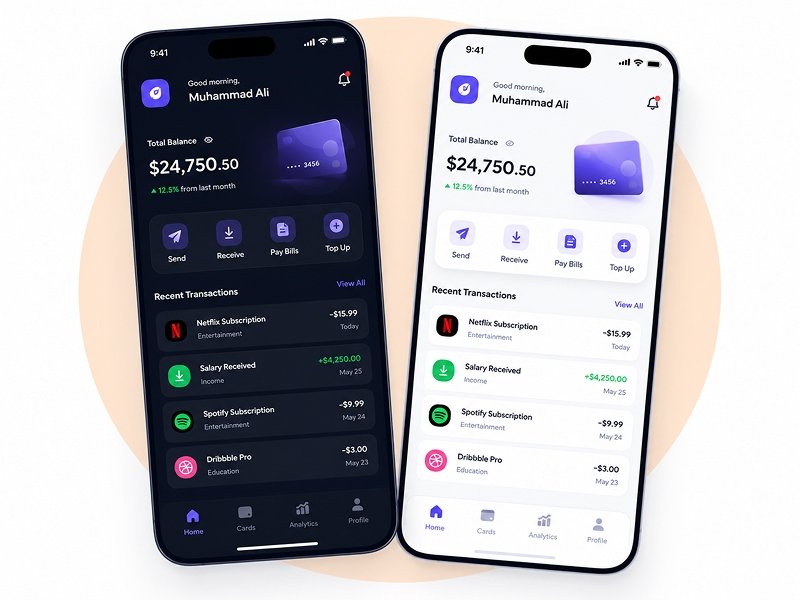
Design a complete mobile app UI, onboarding to final screen, ready for your portfolio.
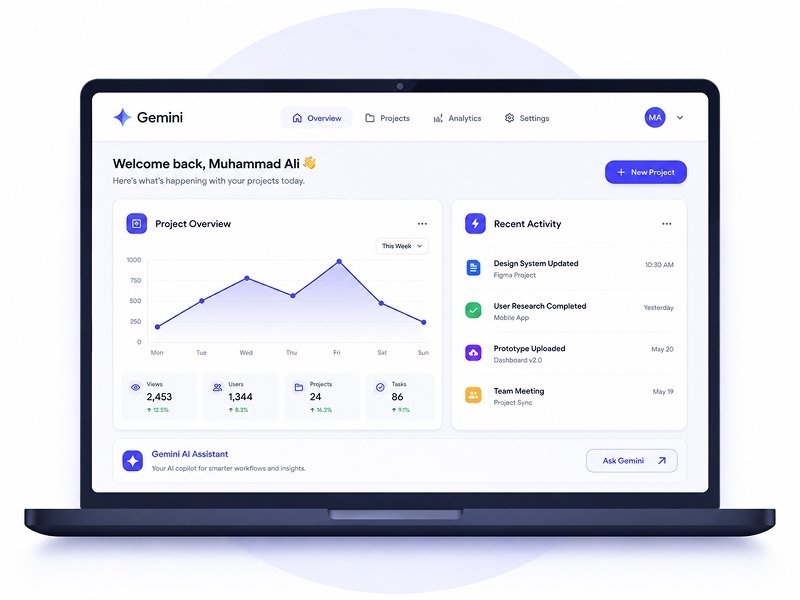
Design responsive websites that hold their layout across desktop, tablet and mobile.
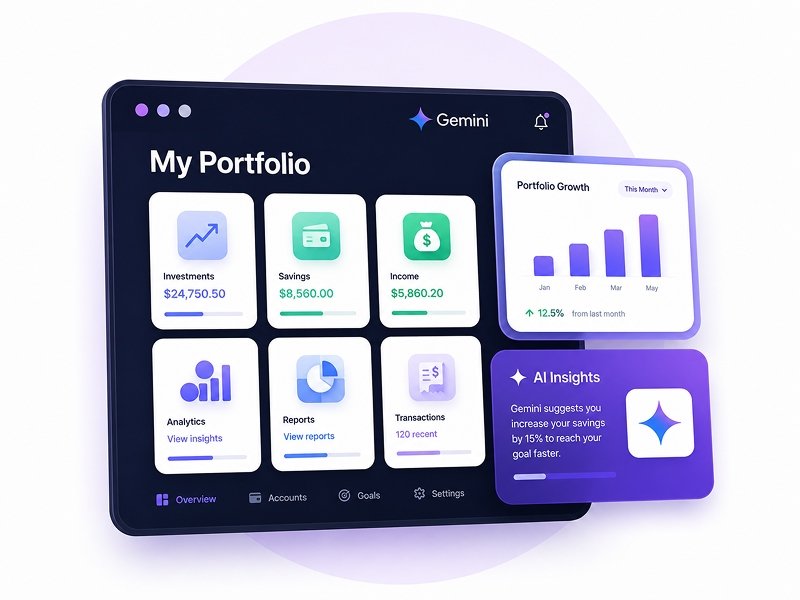
Package your work into case studies that get replies from recruiters and clients.
Anyone can sell you videos. These are the parts that decide whether you actually finish.
Every module is professionally recorded and edited in a deliberate order, each lesson building on the last. Pause, rewind or rewatch any lesson as many times as you want during your access.
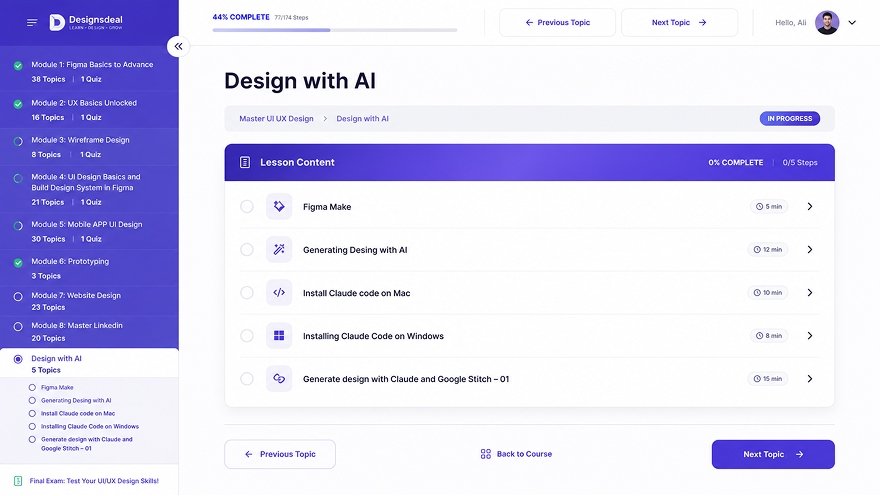
Figma AI, ChatGPT, Claude and Gemini appear inside the lessons for research, UX copy, layout drafts and design system ideas, exactly where a working designer would reach for them, not saved for a separate AI section at the end.
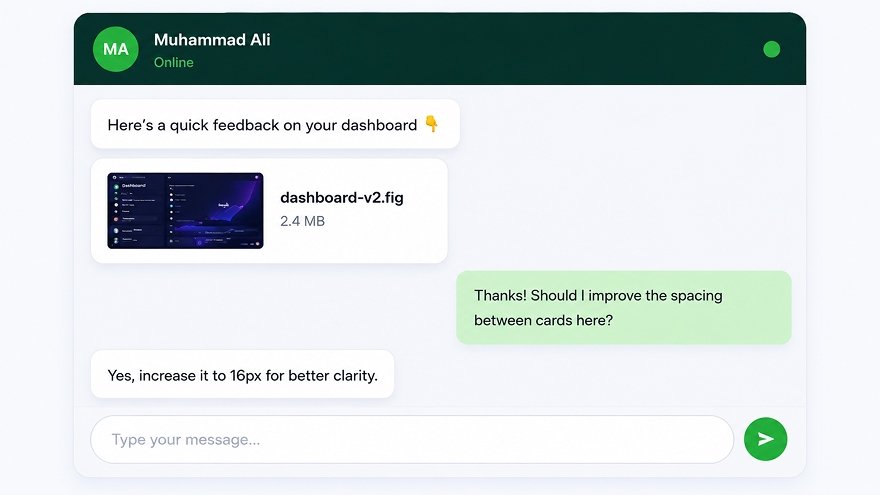
Send your Figma files to your instructor and get specific feedback on what you actually built, not a template reply. This is the one thing no free tutorial can replicate.
Finish the course and submit your final project to receive a Designs Deal Certificate of Completion, ready for your LinkedIn profile, resume and portfolio site.
Your access runs a full year from enrollment, including every lesson added during that year at no extra cost. Take a break whenever you need to, there is no cohort moving on without you.
Every Figma file used in the lessons is downloadable, along with UI kits, templates, icon sets, a resume template and portfolio assets, ready to open, take apart and reuse in your own work.
Create real world UI/UX projects from scratch that showcase your thinking, design process, and problem solving skills. Every project is portfolio ready and designed to help you stand out.

These are not practice exercises.
They are portfolio pieces you’ll be proud to showcase.
Ten modules, built to be taken in order, each one assuming what came before it.
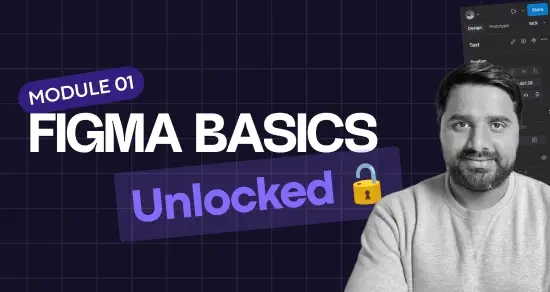
Every core Figma skill through hands on exercises, frames, layers, components, auto layout, variants and variables, then interactive prototyping and dev mode, finishing with Figma’s own AI features. The longest module on purpose, everything after it moves faster because of it.
38 Videos
The full UX process, from reading a brief properly to knowing what you are actually solving. You will run user research, identify real goals and pain points, build personas from actual answers rather than assumptions, map user journeys and turn all of it into user flows you can defend when a client pushes back. This is the layer free tutorials skip entirely, and it is the difference between someone who can operate Figma and someone who can design.
15 Videos
Low fidelity wireframes for the screens real products are built from, login, onboarding, dashboards, payment flows and settings. Working out structure while everything is still grey boxes, when changing your mind costs minutes, not days.
8 Videos
UI fundamentals done properly, spacing systems, visual hierarchy, typography scales, and colour including how to build tints and shades that actually work together. Then you turn those rules into reusable components, styles and a complete design system inside Figma. This is the module where student work stops looking like a first attempt, and it is the specific skill product teams test for in interviews.
21 Videos
A complete mobile app UI from onboarding to final screen, applying the research, wireframes and design system from every module before it, working through navigation patterns, states and empty screens. The project most students lead their portfolio with.
30 Videos
Turn static screens into a working prototype with real interactions, transitions and flow logic, ready to put in front of a client or a test user. Short and focused, because prototyping in Figma is not difficult once the screens are right, it is simply the step most beginners skip. A portfolio piece someone can click through is remembered, a flat screenshot is scrolled past.
3 Videos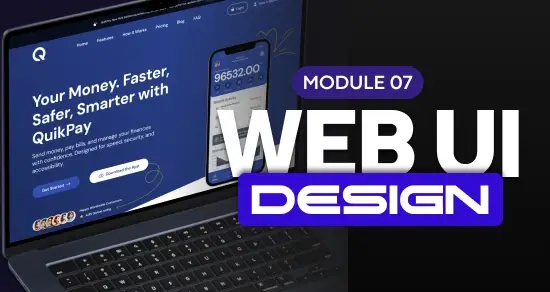
Responsive website design using grid systems, spacing scales and web typography, building layouts that hold together across desktop, tablet and mobile, then handed off in a state a developer can build from. Most UI UX roles across Pakistan and India ask for both app and web work, and this module lets you say yes to both.
23 Videos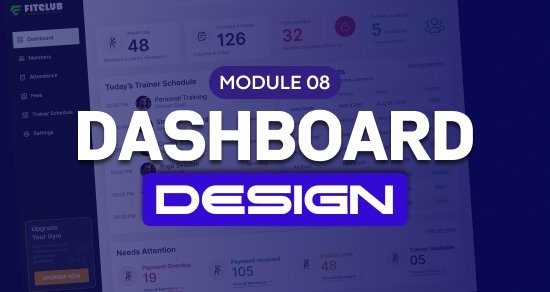
Design a complete SaaS style dashboard, data tables, charts, filters, empty states and the small details that make dense information easy to scan at a glance. You will structure real information hierarchy instead of decorating a template, the exact skill product companies test for in design interviews. A third strong portfolio piece alongside your mobile app and website, and the one that proves you can handle complex, data heavy screens.
24 Videos
Turning finished projects into a profile that works while you sleep, a properly optimised LinkedIn presence, case study writeups that explain your decisions rather than just showing screens, and positioning that makes recruiters and clients reach out first. Skills alone do not get anyone hired, visibility does. This module is why students finish the course with interview requests rather than a folder of unseen work.
20 Videos
Figma Make for generating design directly, Claude installed and running on Mac or Windows, and Claude paired with Google Stitch to produce real designs from a prompt. A short module by design, because AI is already threaded through every module before this one. This is where the individual tools become a single workflow you can run from first idea to finished screens.
5 Videos
Senior UI UX Designer · 12+ Years of Experience
I am a Senior UI UX Designer with over 12 years of experience building digital products across SaaS, FinTech, Healthcare, Artificial Intelligence, Education and E commerce. I have worked with early stage startups and global organisations, designing interfaces that solve real business problems rather than just looking good in a portfolio shot.
Alongside client work I have been teaching designers across Pakistan and India since 2018. In that time I have taught thousands of students, and many of them have gone on to land their first design job or their first paying freelance client. Teaching in Urdu and Hindi is a deliberate choice, because the concepts are hard enough without a language barrier on top.
This course puts all of that experience into a single ordered path, from your very first Figma project to a portfolio you are genuinely proud to show. Whether you are starting from zero or sharpening skills you already have, my goal is to get you job ready with the confidence to back it up.
No subscription, no upsells, and no module locked behind a higher tier. A UI UX design course at a training institute in Karachi or Lahore costs PKR 20,000 to 40,000 with a fixed timetable, this is the same skill set at a fraction of the price, no commute, no schedule, everything included in one payment.
Message us on WhatsApp before you enroll. Whether this course actually fits your goals, how much time it realistically takes each week, what your portfolio should look like at the end, or whether the recorded course or the live classes suit you better, we would rather answer honestly now than have you enroll unsure.
Real stories from learners who transformed their skills and careers, pulled live from our course platform.
Highly Recommend
this course is so beneficial like begginer to pro level...thnk you Ali sir i want to stay with you forever.😊
Perfect
I like this course.
Learn a lot of new thing in UI UX Design.
I really enjoyed this course as a beginner-friendly path into UI/UX. It starts with the basics and builds up to more advanced skills like mobile app design and real-world projects. The lessons are clear and practical, even if you’ve never designed before. By the end, I felt confident handling both simple and complex design tasks. Definitely a great starting point for anyone serious about UI/UX!
Everything students ask before enrolling, plus the questions people search before they even know this course exists.
Some of these come from students who message us before enrolling. Others are the questions people type into Google when they are still deciding whether UI UX design is worth learning at all. Both belong here, because someone who has not decided on the career yet is not ready to decide on a course.
UX design decides how a product works, UI design decides how it looks and feels to use. UX covers research, user flows and structure, the reasoning behind every screen. UI covers colour, typography, spacing, components and visual hierarchy. Almost every job posting in Pakistan and India hires for both together, which is why this course teaches them in sequence rather than as separate subjects.
Yes. Startups, agencies and product companies across Pakistan are actively hiring UI UX designers, and remote work means you can bill international clients in foreign currency from home. Demand is strongest for designers who can show finished work rather than certificates, which is why this course is built around portfolio projects rather than theory.
Junior designers start lower and move up quickly once they have shipped real projects. Experienced UI UX designers earn considerably more, and freelancers working with international clients usually earn the most of all. Pay depends far more on the strength of your portfolio than on how many years you have been designing.
It is not technically difficult. Most of UI UX design is structure, logic and empathy rather than drawing talent or coding ability. The genuinely hard part is staying consistent when nobody is correcting you, which is why a fixed path with mentorship works better than learning alone from scattered tutorials.
No. UI UX designers do not write code. You will learn to hand designs over in a form developers can build from, using Figma’s dev mode, but you never need to write a line of HTML or CSS yourself.
Yes. Almost no UI UX hiring in Pakistan or India requires a design degree. Employers ask to see a portfolio, and strong self taught work beats a degree with nothing behind it. This is one of the few fields where what you can show matters more than what you studied.
Most students studying consistently each week reach a portfolio ready standard within a few months. Getting genuinely good keeps improving for years, the same as any craft, but you can be job ready far sooner than most people expect.
No. Most students here start at absolute zero. The first module assumes you have never opened Figma in your life and builds from there, so there is no prerequisite reading or software knowledge to catch up on first.
You need a laptop or desktop computer to use Figma properly. Lessons play fine on a phone if you want to watch on the move, but the practical design work needs a real screen and a cursor.
Figma is the primary tool, taught from the basics through to prototyping, design systems and developer handoff. Alongside it you will learn Figma AI, ChatGPT, Claude and Gemini used inside real design work, plus Figma Make and Google Stitch in the final module.
Figma is the industry standard now. Adobe stopped major development on XD, and almost every UI UX job posting across Pakistan and India lists Figma by name. This course teaches Figma exclusively for that reason.
Urdu and Hindi, with English design terminology kept exactly as the industry uses it. You will pick up the standard English vocabulary naturally as you go, because that is what job descriptions and client briefs are written in.
No. The teaching is in Urdu and Hindi. Design terms stay in English on purpose, so you are never lost later when reading a job posting or working with an international team.
Yes, it is built specifically for complete beginners. The modules run in a fixed order and each one assumes what came before it, so there is never a moment where you are told to go and learn something else first.
Yes. You finish with a complete mobile app UI and a responsive website design, both built to a standard you can put in front of an employer or a client. These are full case studies with your reasoning written up, not loose practice files.
Yes, and not as a bonus module tacked on at the end. Figma AI, ChatGPT, Claude and Gemini appear inside the lessons at the exact points a working designer would reach for them, and the final module ties the entire AI workflow together in one place.
Personal chat mentorship. You submit your Figma files and get specific feedback from your instructor on the work you actually built, rather than a template reply from a support desk. This is the part free tutorials cannot replicate.
Yes, entirely. The course is fully online and self paced, so you learn from home at whatever hours suit you, with no travel and no fixed class timings to work around.
Yes. Because it is fully online it works identically whether you are in Lahore, Karachi, Islamabad, Rawalpindi or Faisalabad, or anywhere in India including Delhi, Mumbai and Bangalore.
This recorded course is a single one time payment. Training institutes in Karachi and Lahore typically charge several times more for an equivalent programme, usually with a fixed timetable you have to attend in person.
One full year from the day you enroll, including every new lesson added during that year at no extra cost.
No. The recorded course is a digital product with instant access, so fees are non refundable. Watch the demo, read the full curriculum on this page and ask anything on WhatsApp before enrolling, so you know exactly what you are buying.
As many times as you like, for the full year of access. Most students rewatch the Figma and design system modules while working on their own projects, which is the point of a recorded course.
Both. Every Figma file, UI kit, template and icon set used in the lessons is downloadable, so you can open the exact file a lesson was built in, take it apart, and reuse the components in your own client work.
Yes, a Designs Deal Certificate of Completion, issued once you finish the course and submit your final project. It is built to go on your LinkedIn profile, your resume and your portfolio site.
It prepares you for both. There is a full module on LinkedIn, case study writeups and positioning yourself so recruiters and clients find you rather than the other way around. Placement is not guaranteed, your portfolio is what gets you hired.
By building real projects instead of waiting for a client to hand you one. This course walks you through a complete mobile app and a responsive website, then teaches you to write them up as case studies that explain the decisions behind them, which is what employers actually read.
Free videos teach tools in a random order and nobody ever checks your work. This gives you a fixed sequence, personal feedback on your own files, and a finished portfolio at the end. You are paying for order, correction and completion, not for information.
