
A complete UI UX course designed for beginners and working designers who want real project skills.
What you get
 33+ hours of content
 166 practical video lessons
 9 modules
Downloadable design resources
9 modules
Downloadable design resources Certificate after completion
 Language: Urdu
Access
 Access: 2 Years
 Last update: 01 June 2026
This must come first. Beginners arrive with fear and doubt. Your first job is to remove anxiety. When you say they can start from zero, bounce rate drops.
After safety, clarity matters. Users need to understand what UI UX actually means before they care about tools or careers.
Now you explain how learning will happen. This builds trust. Beginners want structure, not freedom.
Only after concepts are clear should tools appear. Showing Figma too early scares beginners. Here it feels logical and achievable.
This reframes the outcome. You are not teaching screens, you are teaching thinking. This positions the course as skill based, not tool based.
Career comes last. If you sell money or jobs first, beginners feel it is unrealistic. When placed at the end, it feels earned and believable.
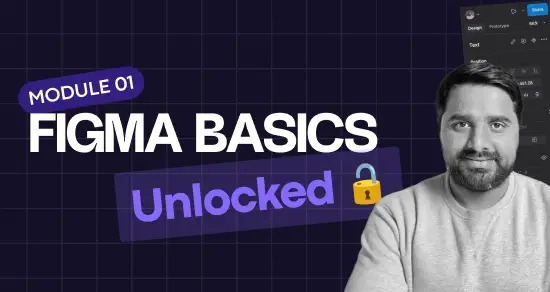
Learn core Figma tools through hands on challenges and exercises. Build confidence with layouts, typography, colors, and components.
38 Videos
Understand the complete UX process from research to user flows. Learn goals, pain points, personas, journey maps, and UX thinking.
15 Videos
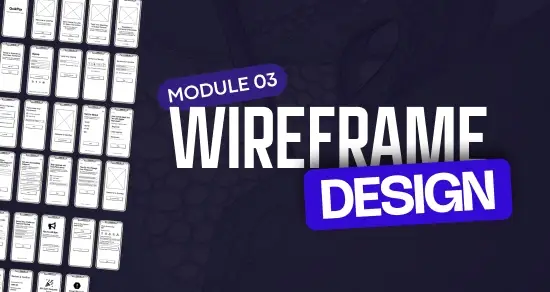
Create wireframes for real world app screens and key flows. Design logical structures for login, dashboards, and payments.
8 Videos
Learn UI fundamentals like spacing, hierarchy, and typography. Build reusable components and a consistent design system.
21 Videos
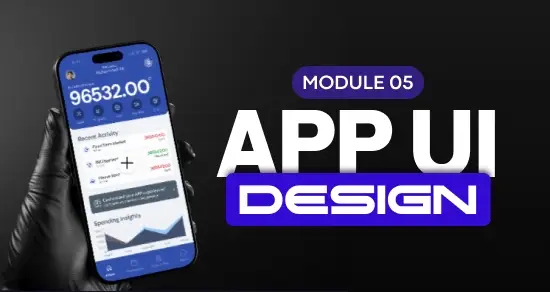
Design a complete mobile application from start to finish. Apply UX learning to real screens and navigation patterns.
30 Videos
Turn screens into interactive prototypes for testing and review. Refine flows and finalize designs for presentation.
3 Videos
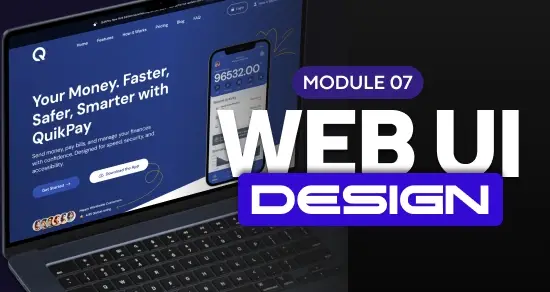
Design modern websites using grids, spacing, and typography. Create clear layouts that are ready for development.
23 Videos

Learn how to present your work and profile professionally. Position yourself clearly for jobs and client work.
20 Videos

Use AI to support research, ideas, and early layouts. Speed up design thinking while keeping creative control.
1 Videos
Benefits | Why it matters |
|---|---|
Beginner friendly skill |
You can start from zero with no design background |
Clear learning path |
You know exactly what to learn and in what order |
Hands on practice |
You design real app and website screens |
Industry relevant skills |
Skills match real product team workflows |
Career flexibility |
You can apply for jobs or freelance |
Long term value |
UX thinking stays useful even when tools change |
People starting from zero who want real skills.
Designers who know tools but lack UX clarity.
Designers who want to manage projects end to end.
People moving into UI UX design from other fields.
People who want to understand UX driven product design.
| 5 star | 100 | 100% |
| 4 star | 0% | |
| 3 star | 0% | |
| 2 star | 0% | |
| 1 star | 0% |
Sorry, no reviews match your current selections
Reach out to our support team on WhatsApp – we’re here to help!
I really enjoyed this course as a beginner-friendly path into UI/UX. It starts with the basics and builds up to more advanced skills like mobile app design and real-world projects. The lessons are clear and practical, even if you’ve never designed before. By the end, I felt confident handling both simple and complex design tasks. Definitely a great starting point for anyone serious about UI/UX!
This course is ideal for beginners who want to learn UI/UX from the ground up. It starts with the fundamentals and gradually progresses to advanced skills like mobile app design and real-world projects. Even if you’ve never designed before, the lessons are clear, practical, and easy to follow. By the end, I felt confident tackling both basic and advanced design tasks. For anyone serious about UI/UX, this course is an excellent starting point.
I recently completed a UI/UX Design course, and it was one of the best decisions of my career. Thanks to this course, I was able to gain practical skills, build real projects, and secure a job after completion.
A special thanks to Sir Ali, who is an outstanding mentor. His teaching style is clear, supportive, and very practical. He explains complex concepts in a simple way and always motivates students to do better. Sir Ali not only teaches tools and design principles but also focuses on industry standards, real-world experience, and confidence building.
The course content is well-structured, beginner-friendly, and highly professional. I truly appreciate the guidance, feedback, and encouragement I received throughout the journey.
I highly recommend this course to anyone who wants to start or grow a career in UI/UX Design. Thank you, Sir Ali, for your mentorship and support—it truly changed my professional path. 🌟
The course was really helpful and easy to follow. I learned a lot of new things, and the teacher explained everything clearly. Highly recommended!
I recently completed UI/UX Design course, and it was an excellent learning experience. The course provided a perfect balance of theory and practical application, covering everything from wireframing and prototyping to user research and usability testing. The content was clear, engaging, and industry-relevant, which helped me build strong design skills and confidence in creating user-friendly digital experiences. Highly recommended for anyone looking to start or grow in the field of UI/UX Design!